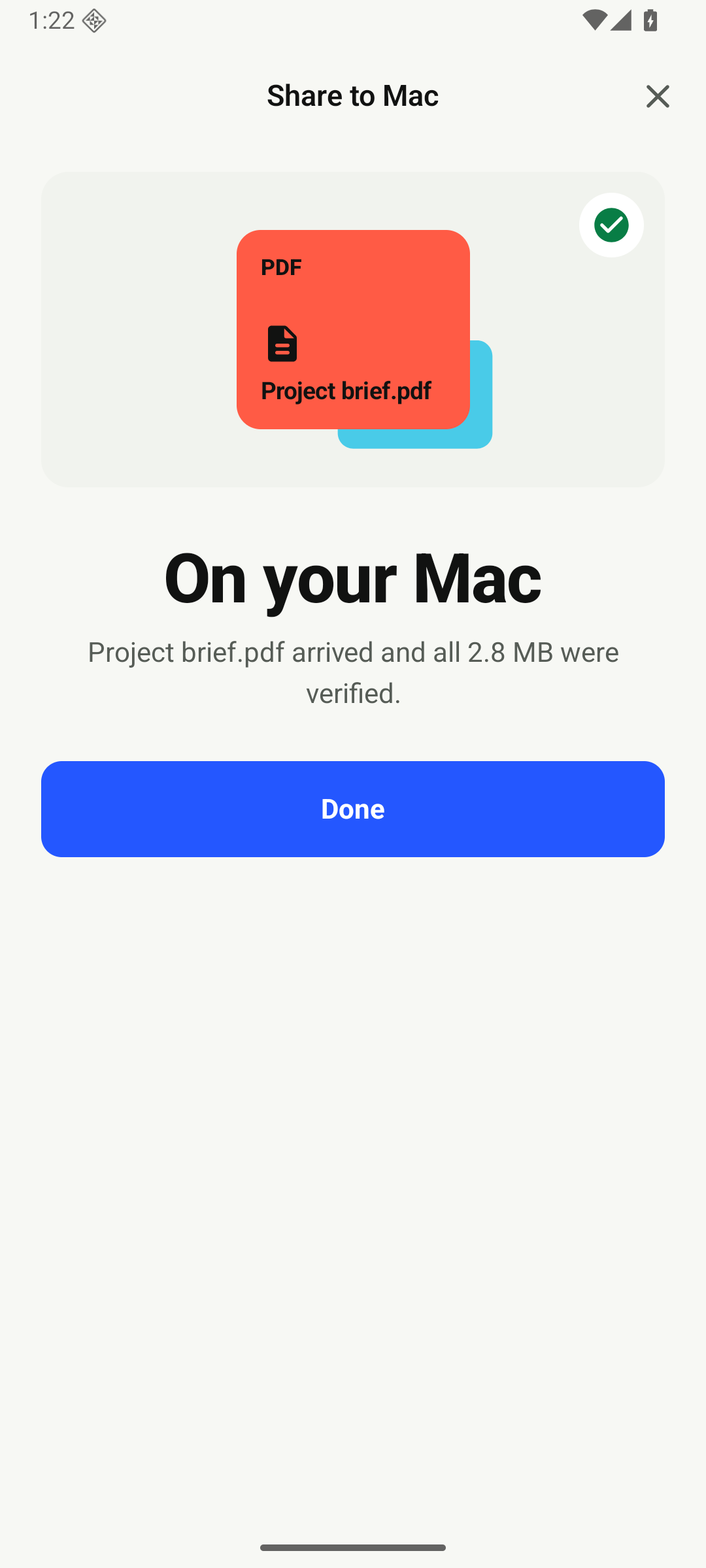
Share in two taps
Choose Pairo from Android’s share menu. Your file lands in the right Mac folder.
Made for Android + Mac
Keep one Android folder and one Mac folder in sync, both ways. Add one-way routes for screenshots and camera photos when you want them.
Five transfers free One-time unlock
See it in action
Pairo turns your Mac folder into the familiar destination for files from Android—whether you share one now or keep a folder moving automatically.
Get Pairo on Google Play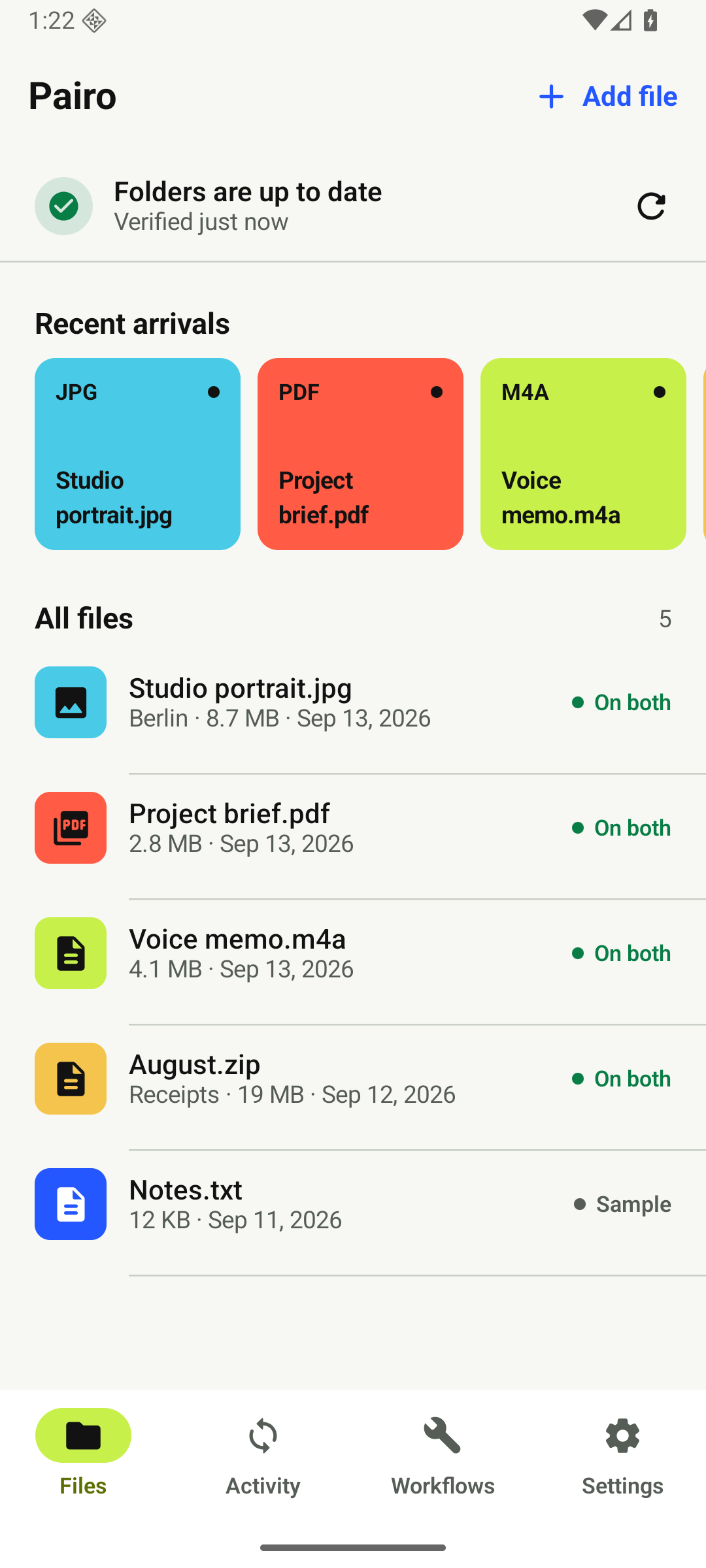
Pairo makes Android and Mac feel like they belong together.
Choose Pairo from Android’s share menu. Your file lands in the right Mac folder.
Turn on Live Sync and files move automatically whenever both devices are reachable.
Open the folder you already know. No inbox, temporary link or download hunt.
Pairo shows you the exact setting.
Pick one on Android and one on Mac.
Your shared folder is ready.
Workflows
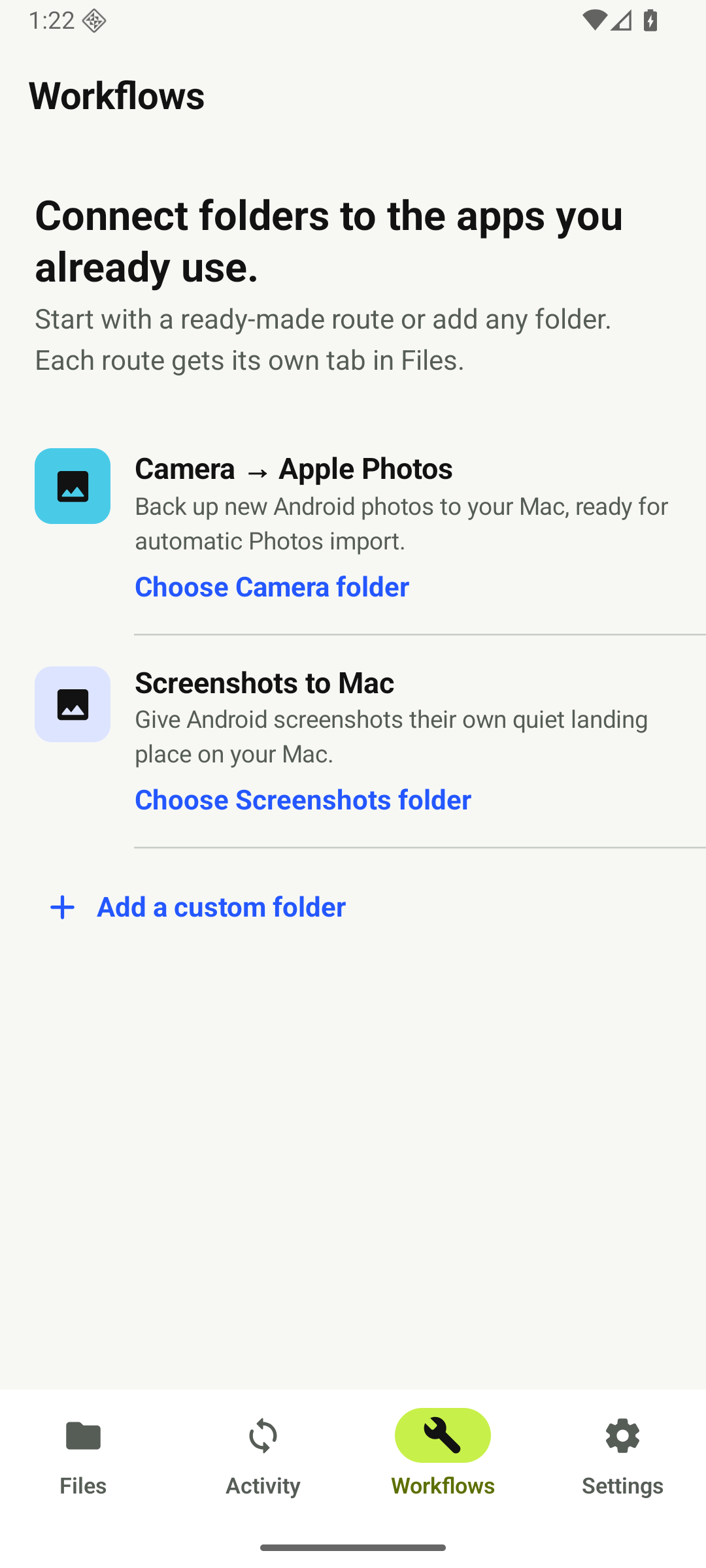
Give recurring files their own route. Set each one up once, then let Pairo keep it moving.
New Android screenshots land in their own quiet folder on your Mac.
Back up new camera photos to your Mac, then use Pairo’s optional open-source workflow to import them into Photos.
Android + Mac field guide
Practical answers for transfers, downloads, screenshots and photo workflows.
Read all guidesMake sure Pairo works with your setup before paying. Then get unlimited transfers and automatic sync with one Google Play purchase.
Try free on Google Play No subscriptionNo. Pairo connects to File Sharing already built into macOS.
Normally, yes. Use Pairo only on a trusted local network or through a trusted VPN.
No, not yet. Pairo syncs new and changed files, but it never mirrors deletions.
On your Android device in encrypted preferences. The developer never receives it.
Pairo